Let customers book. Keep every calendar straight.
People, rooms, equipment, vehicles or stays. By the slot, the day or the night, without double bookings.
Pick a time to continue.
Book a real slot, on a real bookings page.
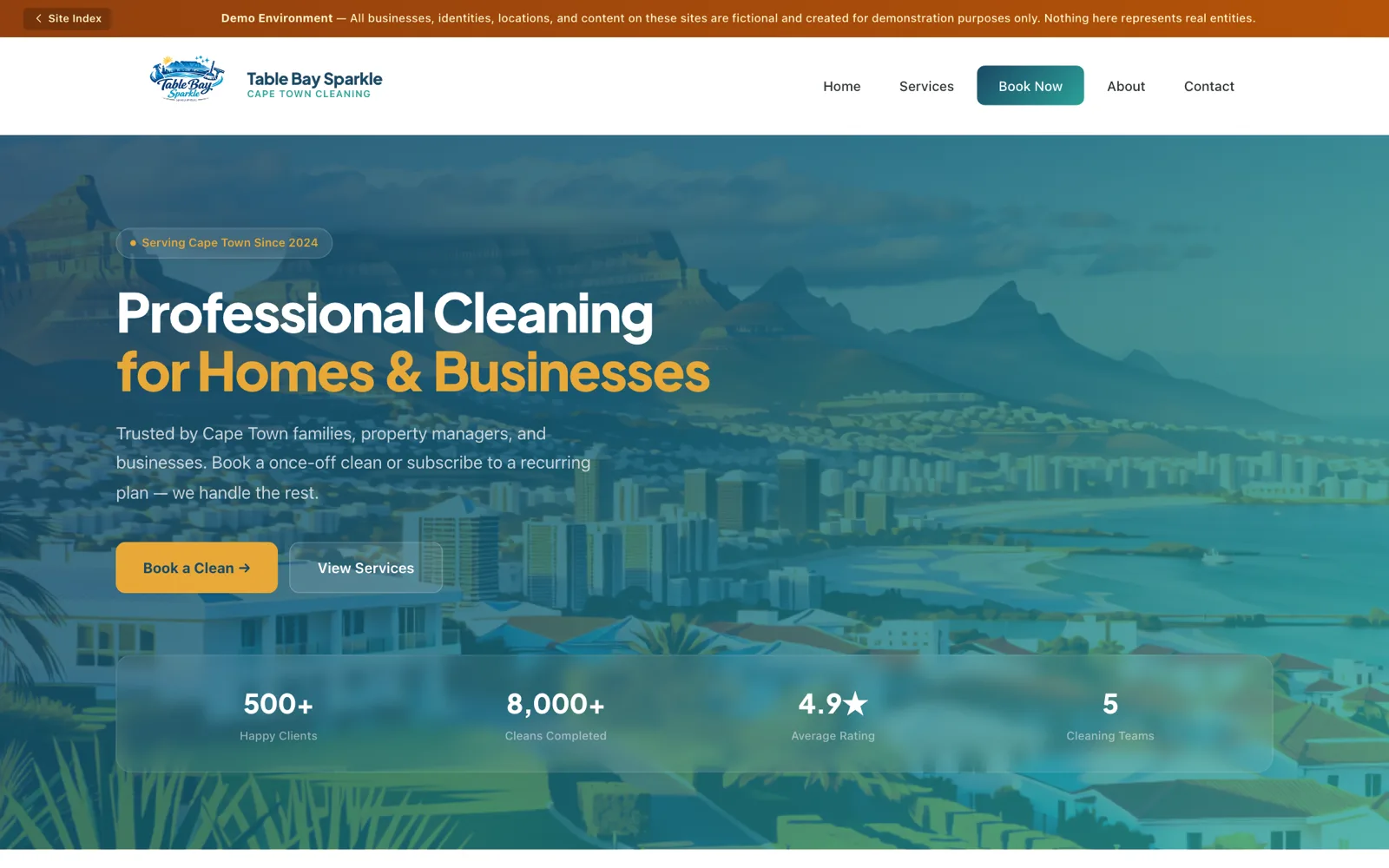
This is Table Bay Sparkle, a live sample cleaning business booking on BX1X right now. Pick a service and a time, the way a customer would.
One calendar for anything you book out.
Tell BX1X what you’re booking and how. The same system handles a haircut, a trailer for the weekend and a cottage for two nights.
Appointments by the slot
Fixed-length bookings inside working hours, with breathing room before and after.
For example: A 45-minute physio session
- People
- Rooms
- Equipment
- Vehicles
- Items
- Campsites
Your side of the diary.
Everything the front desk needs to keep the day running, in one calendar.

- Drag and dropDay and week views. Drag a booking to another time, person or room.
- Working hours and breathing roomSet hours for each person or resource, with time before and after each booking.
- Closed daysBlock out holidays, maintenance or training days so nobody can book them.
- Holds for special customersReserve dates for a client or group and invite them to book into them.
- Groups, waitlists and repeatsClasses with a maximum number of places, a waitlist when full, and bookings that repeat.
Connected to the rest of the business.
For your customers
- A booking page on your websiteAdd it to your own site, or share a link. See how widgets work on your website.
- Changes without a phone callCustomers reschedule or cancel from their own customer portal, within your rules.
- Confirmations by emailSent when they book, and when anything changes.
For your money
- Prices that fit the bookingPricing rules and tiers, including per-night prices.
- DepositsAsk for a deposit up front, worked out to the cent.
- From booking to invoice in one stepThe booking becomes an invoice on the customer’s record, ready for your books.
Built for your kind of booking.
Each kind of business books a little differently. See how BX1X fits yours.
- Appointments and consultationsConsultants, therapists, salons and advisors, booked by the slot.See how it works
- Guest houses and lodgesRooms, cottages and campsites, booked by the night.See how it works
- Vehicle rentalEvery vehicle in the fleet, booked from pick-up to return.See how it works
- Equipment and tool hireMachines, tools and gear, hired out by the day or the hour.See how it works
- Venues and eventsHalls and function rooms, plus classes with limited places.See how it works
Questions owners ask
Can customers book online from my website?
Yes. Add the BX1X booking page to your own website or share it as a link. Customers pick what they want, who or what it is with, and an open time.
How does BX1X stop double bookings?
Each person, room, vehicle or piece of equipment has its own calendar, and BX1X won't let two bookings overlap on it. Working hours, breathing room between bookings and closed dates are respected too.
Can I ask for a deposit when someone books?
Yes. Set a deposit for a booking and BX1X works it out to the cent. The booking itself turns into an invoice on the customer's record in one step.
Can customers change or cancel their own bookings?
Yes, from their customer portal and within the rules you set. They get an email confirmation when they book and when anything changes.
Does BX1X send booking reminders?
Yes. BX1X emails a confirmation when a booking is made or changed, with a calendar file the customer can add to their own calendar. Switch on booking reminders in your settings whenever you're ready. They go by email, and SMS or WhatsApp reminders can be added once those are connected during setup.
Can I run classes or events with limited places?
Yes. Set a maximum number of places. When it fills up, people can join a waitlist. Bookings can also repeat as a series.
See the diary from both sides.
Get a demo account with sample data. Book an appointment as a customer, then move it around the calendar and turn it into an invoice.