Quote it. Stock it. Invoice it.
Quotes, parts and time on site connected to invoicing, for plumbers, electricians, solar installers and field crews.

From the first call to getting paid.
Step through one job: a quote, the parts it needs, the hours on site and the invoice that follows.
A customer calls about a job.
You take down what's needed and quote it from the same item list you use every day, parts and labour together.
- 150L geyser
- R3 200
- Fittings and vacuum breaker
- R680
- Labour, 3 hours
- R1 350
- Total, incl. VAT
- R5 230
Sent to the customer's phone.
Sample dataStep 1 of 5: Call and quote.
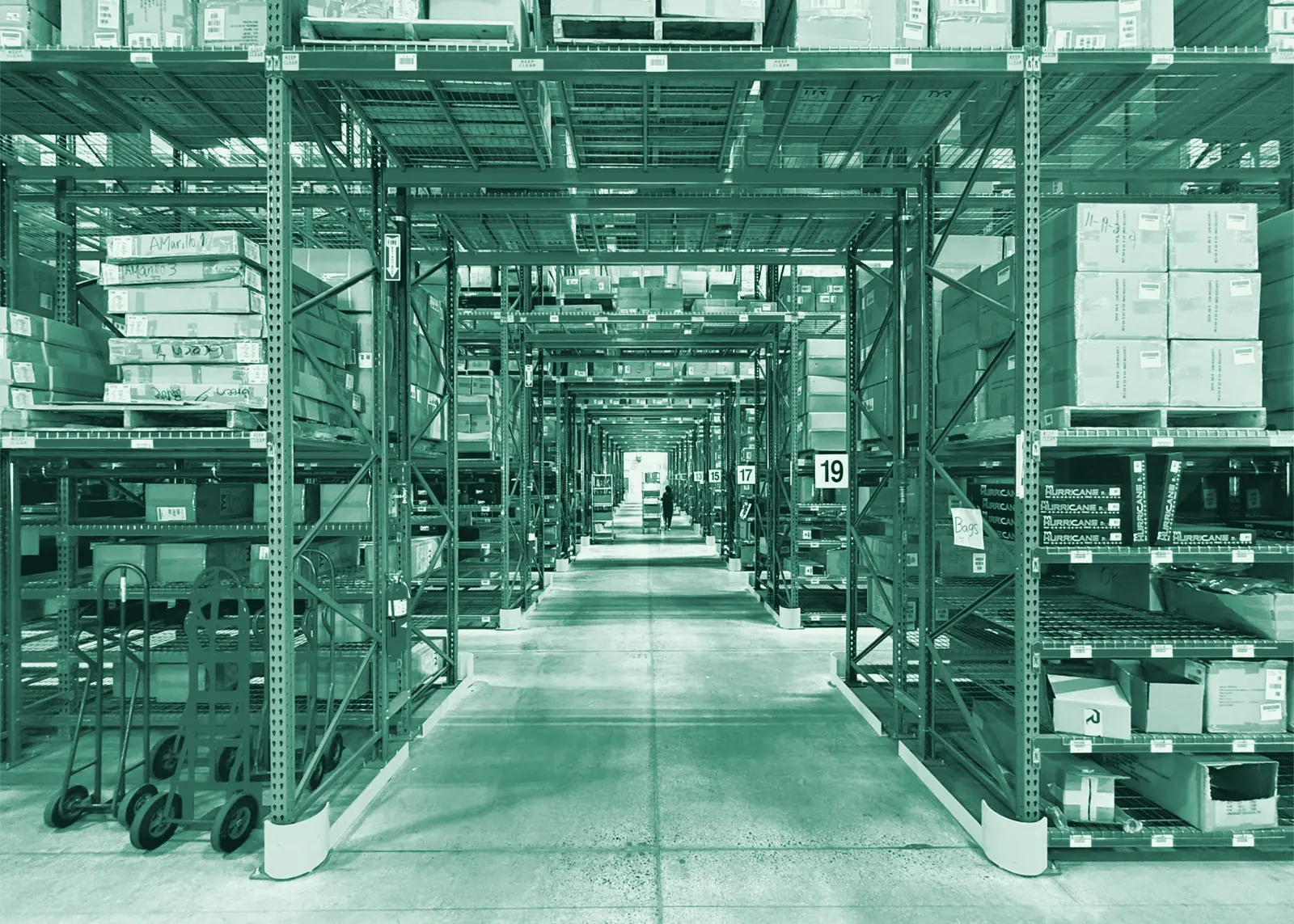
Parts and stock, not guesswork.
- Order from a supplier and receive it against the orderOrder requests can be emailed to a supplier, and part deliveries are received as they arrive. See orders and delivery.
- Stock tracked at every branch or on the vanOn hand, reserved and available quantities per location. See stock and warehouses.
- Serial numbers and warrantiesScan a serial number in, and it’s linked to the item’s warranty and any return. See serial numbers.
- Receipts captured as expensesPhotograph a receipt for fittings you bought out of your own pocket, and it’s captured instead of forgotten. See expenses and suppliers.
Set up for how you work.
Everything a trade or field service business needs, connected on one customer record.
More on running this kind of business: quoting and invoicing for plumbers and managing a solar installation from quote to compliance.
Questions owners ask
Can I quote a job with parts and labour, then turn it straight into an invoice?
Yes. Build the quote from your item list with parts and labour together, the customer accepts it online, and it becomes the invoice without retyping anything.
How does BX1X stop me promising a part that's already been used on another job?
Stock is set aside for a quote or invoice as soon as it's created, so the same part can't be promised twice, whether it's on a shelf or already in a vehicle.
Can I track the hours a technician spends on site?
Yes. Time is tracked per person against the client, marked billable or not, and turned into a draft invoice you check before it goes out.
Do serial numbers matter for equipment I install, like a geyser or an inverter?
Yes. Scan the serial number in when you receive the item and it's linked to its warranty and to any return, so you can look up exactly which unit went where.
Can I message a customer from BX1X instead of my personal phone?
Yes. A shared WhatsApp inbox keeps the conversation on the customer's record, so anyone on the team can see what was said. Connecting your WhatsApp number is part of setup.
What if the signal drops while I'm receiving stock at the job site?
Receiving and counting stock with a phone camera works even when the signal drops.
Quote your next job in BX1X.
Get a demo account and try it: build a quote with parts and labour, accept it as the customer, and turn it into an invoice.