Get a demo account

Bookings, shop and support, right on your website.

Customers book, buy and ask for help on the site you already have, with no login. It all lands in BX1X.

Book a service

BX1X widget

Full bike service, Thursday 2 October

08:3010:0011:3014:00
Book 10:00
BookingLands on Sipho Dlamini’s recordin your BX1X, straight away
Sample website and data

These same widgets, live on real websites.

Demo Tech Solutions sells with the shop widget. Vinehill Country Guest House books rooms with the booking widget. Both run on BX1X today.
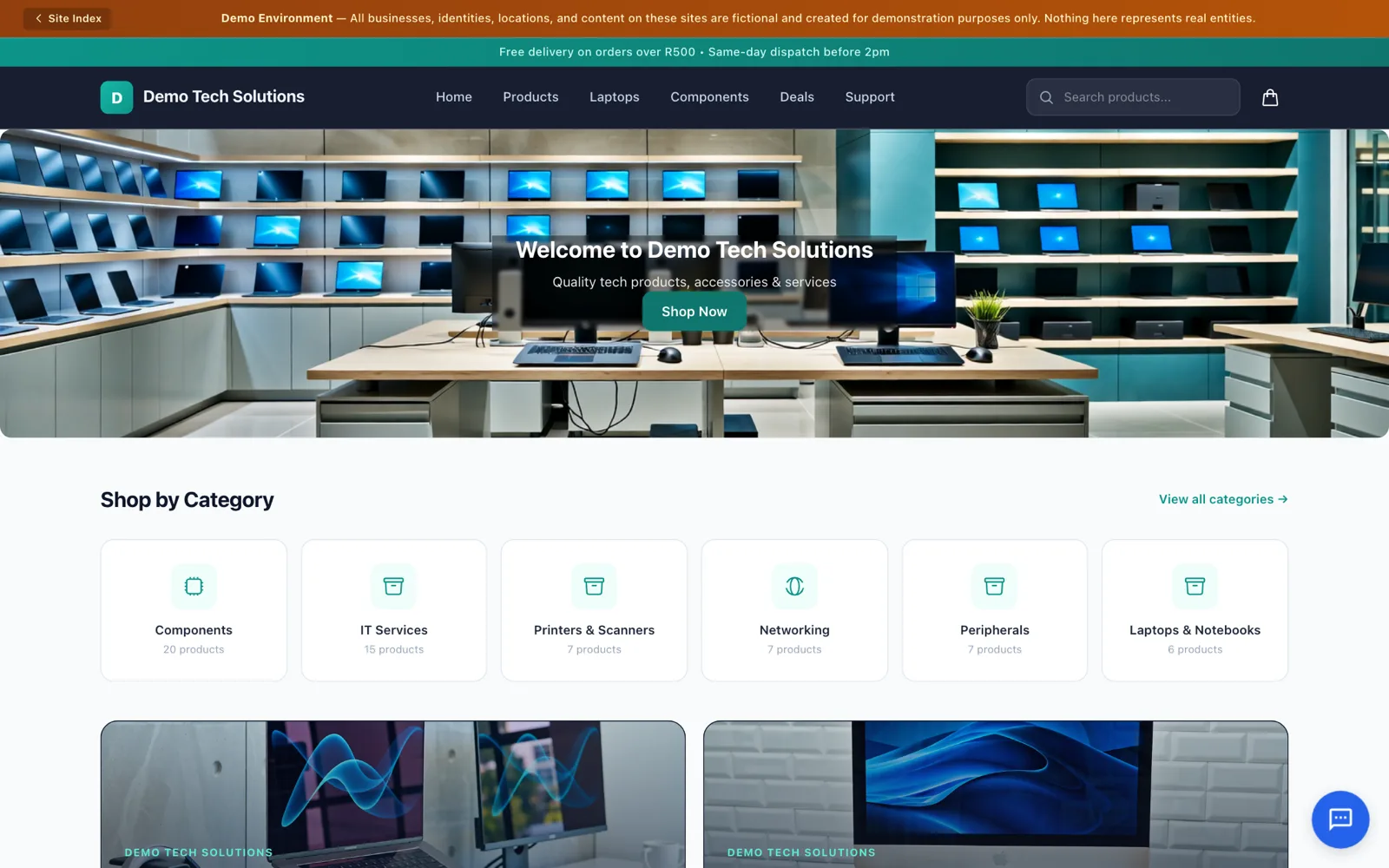
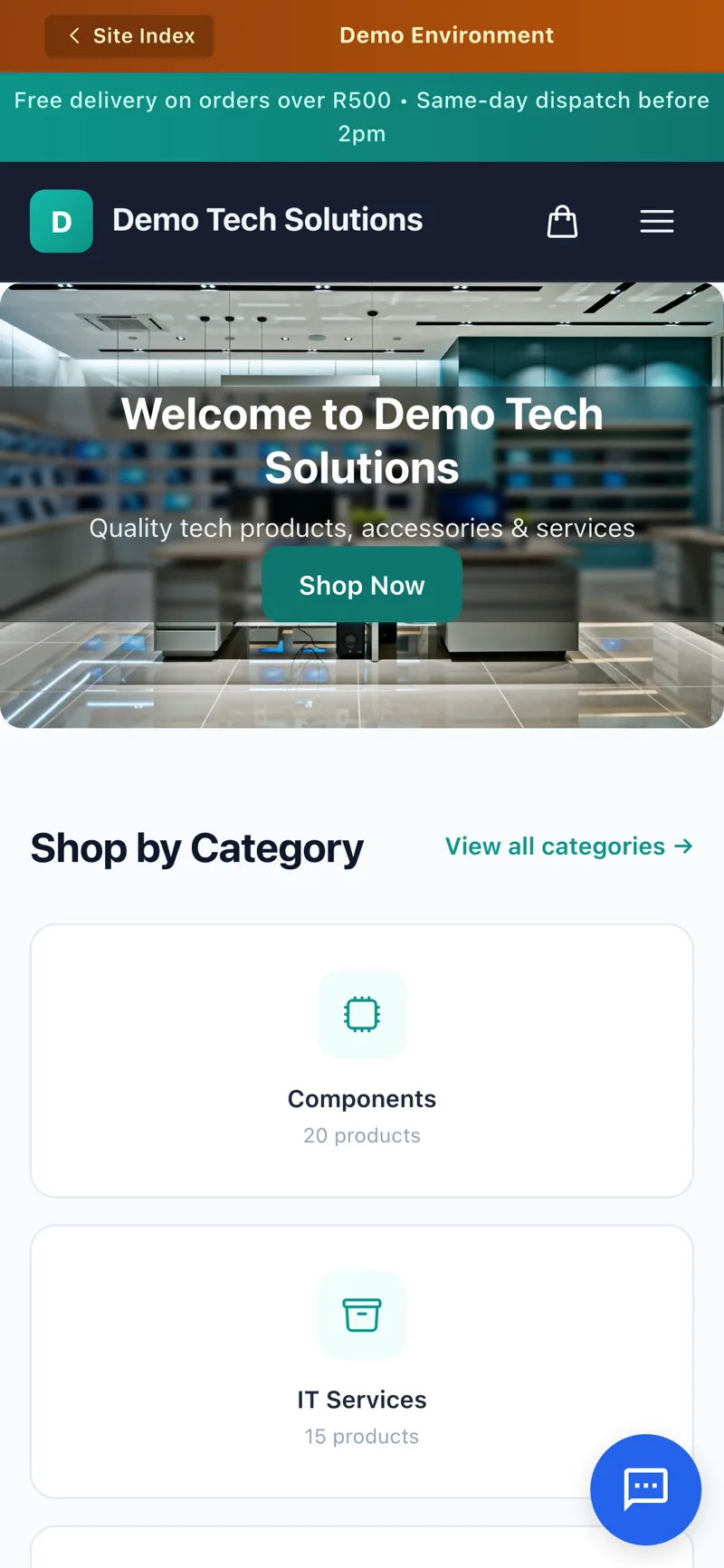
Demo Tech Solutions, a sample electronics shop with a cart and checkout.
Live sample site, sample data
Open the live sample shop
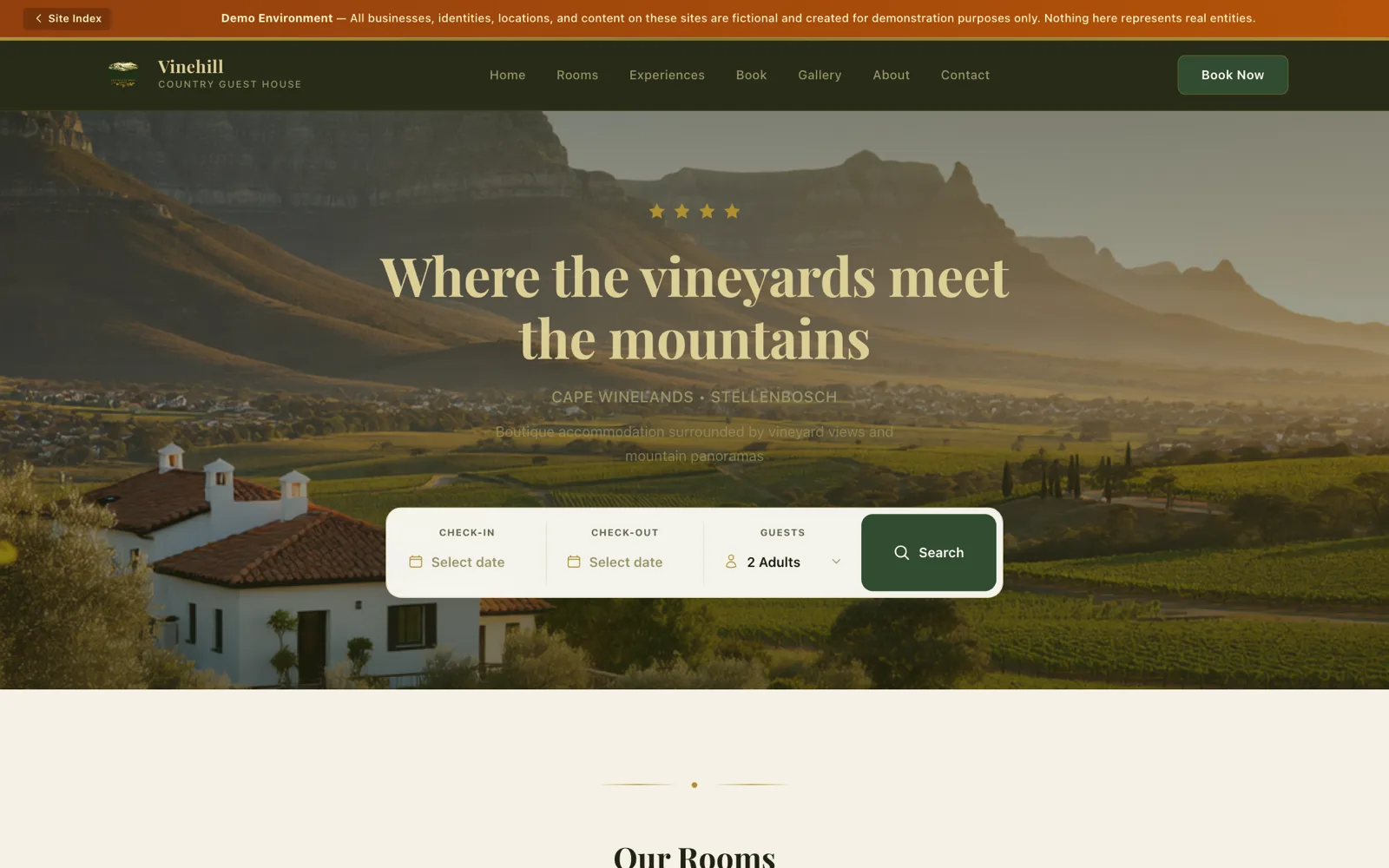
Vinehill Country Guest House, a sample guest house booking page.
Live sample site, sample data
Open the live guest house

Your website out front. BX1X behind it.

Here is a sample bike shop’s website with each widget in place. Book a slot, check out or open a ticket, and watch what arrives in BX1X.

BX1X widget

Full bike service, 60 minutes

Thursday 2 October

Sample website, sample data. Nothing is sent.

What lands in your BX1XSipho Dlamini, customer record
  1. OrderSO-1019, helmetEarlier, deliveredEarlier

Use the widget on the left and watch it arrive here.

On your site in three steps.

No plugin to install and no new website to build. If you can paste text into your site, you can do this.

  1. Set it up in BX1XChoose the widget and what it shows. The shop and booking widgets can take your brand colour and logo.
  2. Copy the snippetBX1X gives you a few lines of code with the widget’s own key. You tell it which website addresses may use it.
  3. Paste it into your websiteAny website that lets you paste HTML will do. Most website builders have a custom code or HTML block for this.

Straight answers.

Do my customers need BX1X?

  • No account, no loginThey book, buy, open a ticket, start a return or send an enquiry on your website, as they would on any site.
  • It still reaches youBookings, orders, tickets, returns and enquiries land in your BX1X, linked to the customer. Enquiries arrive as leads.
  • A portal if they want oneCustomers who want to see their history can log in to the BX1X customer portal. The widgets don’t need it.

Am I tied to BX1X?

  • Your website stays yoursThe widgets are the front door on the site you already have. Remove the snippet and they’re gone.
  • The records live in BX1XThat’s where your team works with them. BX1X runs in the cloud, on your own private server or on your premises.
  • Reports export as CSVTake your report figures into a spreadsheet whenever you need them.
  • Only where you allow itEach widget has its own key and only works on the website addresses you choose.

Questions owners ask

Do my customers need a BX1X account to use the widgets?

No. They book, buy, open a ticket, start a return or send an enquiry right on your website, without a BX1X login. What they do lands in your BX1X, linked to their customer record.

Will the widgets work with my website?

If your website lets you paste HTML, yes. Most website builders have a custom code or HTML block for this. You copy a short snippet from BX1X and paste it in.

Can someone copy my widget onto another website?

Each widget has its own key, and it only works on the website addresses you allow in BX1X.

Am I tied to BX1X?

The widgets are the front door on your website. The bookings, orders, tickets and customer records live in BX1X, which can run in the cloud, on your own private server or on your premises. Reports can be exported as CSV.

Can customers pay online through the shop widget?

Checkout places the order in BX1X. Taking card payments needs a payment provider connected during setup, so ask us about it when you get started.

Can I put subscriptions on my website?

Subscription plan pickers aren't part of the website widgets. Your subscribers manage their plans in the BX1X customer portal instead.

Will the widgets match my website?

The shop and booking widgets can use your brand colour and logo. The support widget and forms have basic styling options.

Put BX1X on your website.

Get a demo account and explore the side your team works in: the bookings, orders, tickets and customer records your website feeds.